
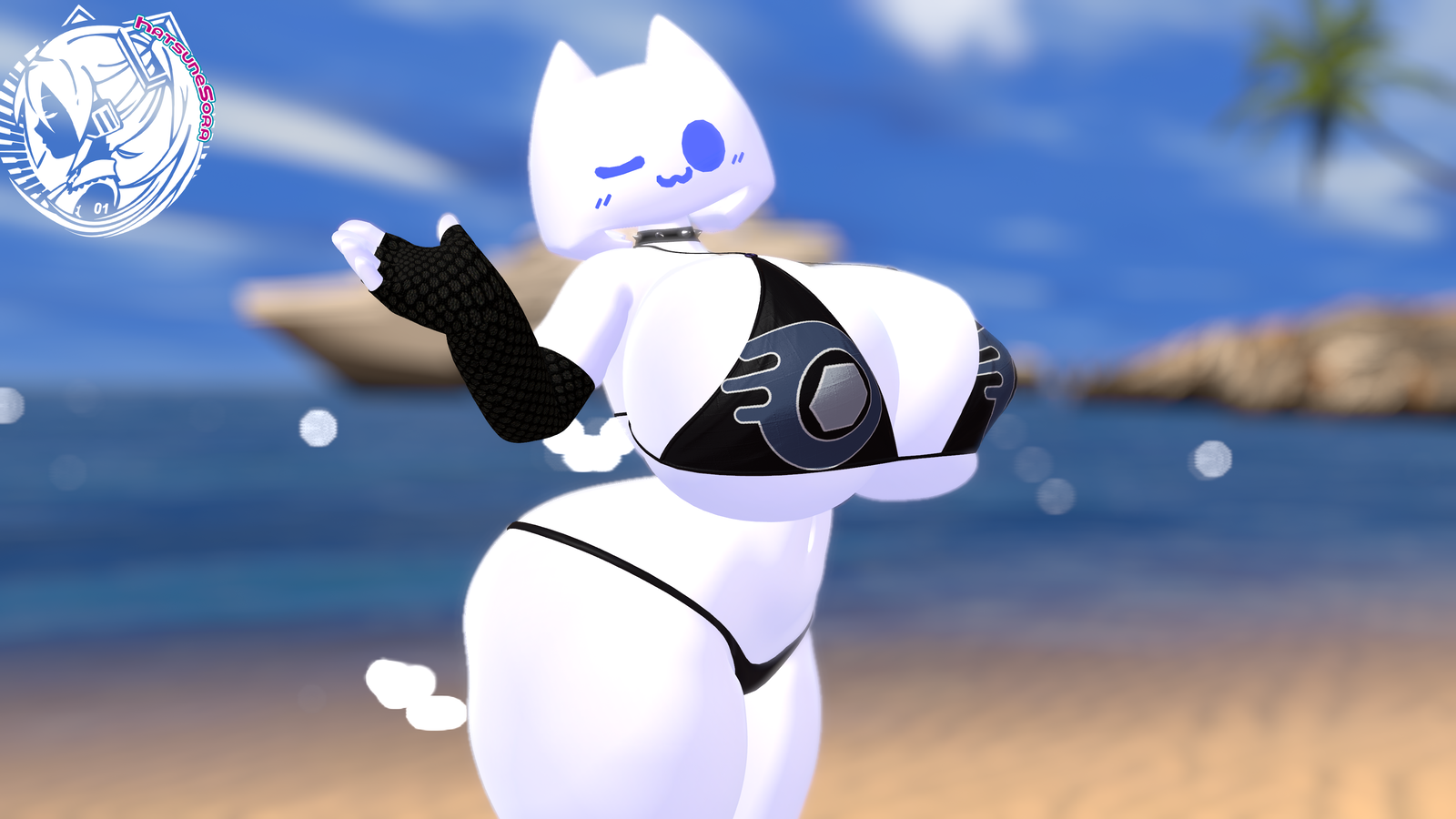
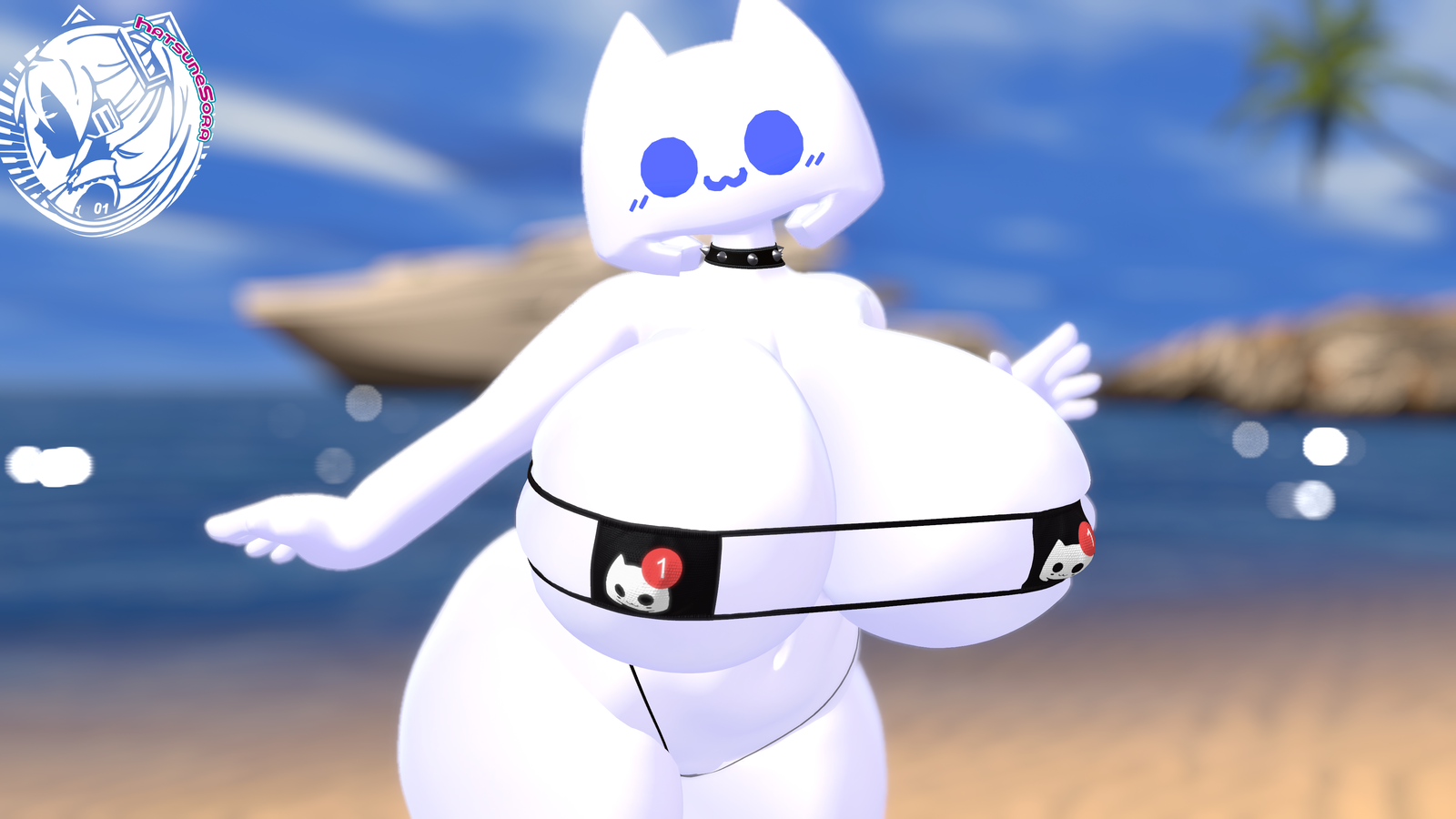
Bom39 Discord-Chan - HS Edit Patch DLC
Product Description
Hello, thank you for visiting my store.
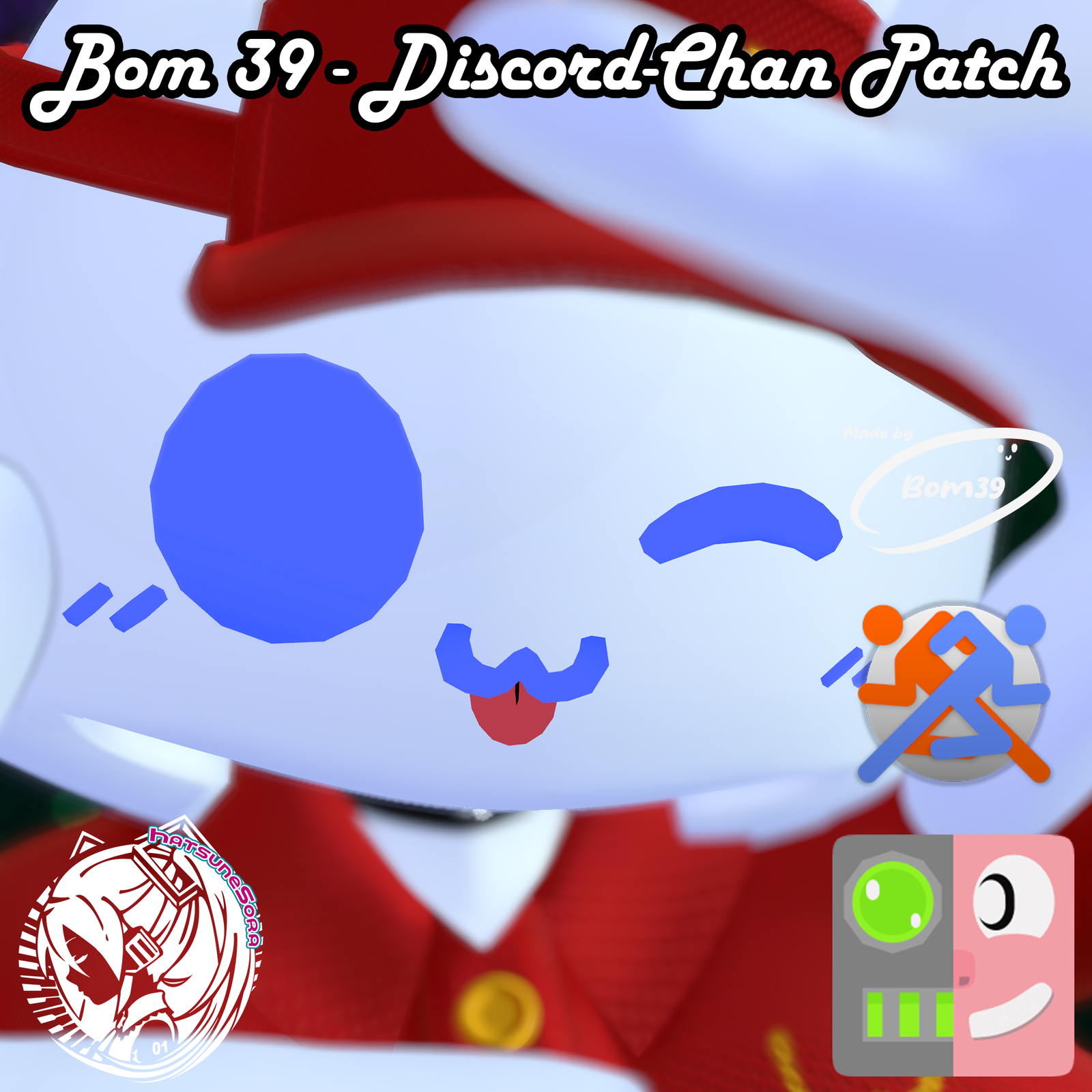
HS Edit Patcher for the "Bom39 Discord-Chan" avatar.
IMPORTANT: You must have purchased the Bom39 "Discord-Chan" model. You can go get it at the following link: Bom39 Discord Chan | VRChat Avatar.
****This is just a patch; it does not include FBX of the Model of Discord-Chan. You must have the original "Bom39_Discord-Chan" unitypackage file beforehand. The patch generates and creates the model based on the difference between the original model and the patch's modified data. Without the original model, it will not function.****
Depending on which version you choose, this is what it includes:
BASE VERSION:
- A .ZIP containing:
- Bom39 DC - HS Base Patch.unitypackage
- FBX of the Briefcase and the SB Cup
- Textures used
- Tutorial "How to do"
FALLBACK/QUEST VERSION:
- A .ZIP containing:
- Discord_Chan Quest-Fallback Patch.unitypackage
- Textures used
- Tutorial "How to do"
FULLPACK VERSION:
- A .ZIP containing:
- Bom39 DC - HS FullPack Patch.unitypackage
- Blender File of all NEW Clothes included.
- FBX of all new clothes included.
- FBX of the Briefcase and the SB Cup.
- Textures used.
- Substance Painter (11.0.1) Files of the Clothes and Accesories.
- Tutorial "How to do"
- The Fallback/Quest Version.
What does the patch do?
The script first searches for the exact avatar in the project, analyzes it to verify that it is not another one like the one specified. Once it confirms that it is that avatar it generates a modified version from the original model of Bom39 "Discord-Chan".
What changes or is included in the patch?
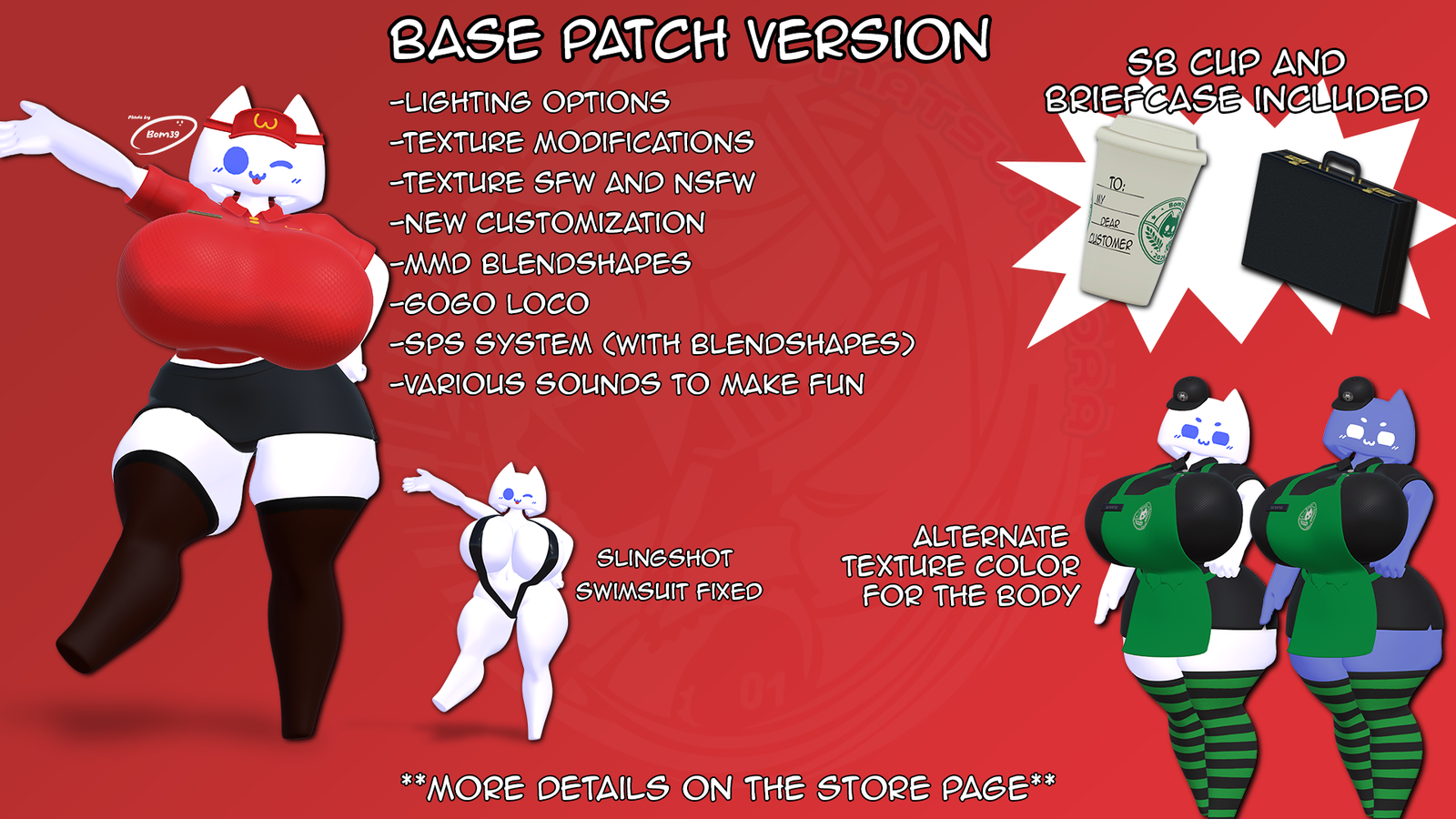
BASE VERSION PATCH CHANGES:
This patch fix the details that the avatar may have and with the intention that future additions, clothes or accessories will be made for this.
- Improvements to the materials so that the lighting matches the worlds.
- Options to change how the world's lighting affects your avatar.
- Body texture modification and and newly created textures.
- Body Texture SFW and an alternate texture to change the colors of the body of the Discord chan.
- Slight increase in head size and reduction neck length.
- New customization improvements for clothing.
- Fix to the Slingshot Swimsuit that did not have rig in its original version.
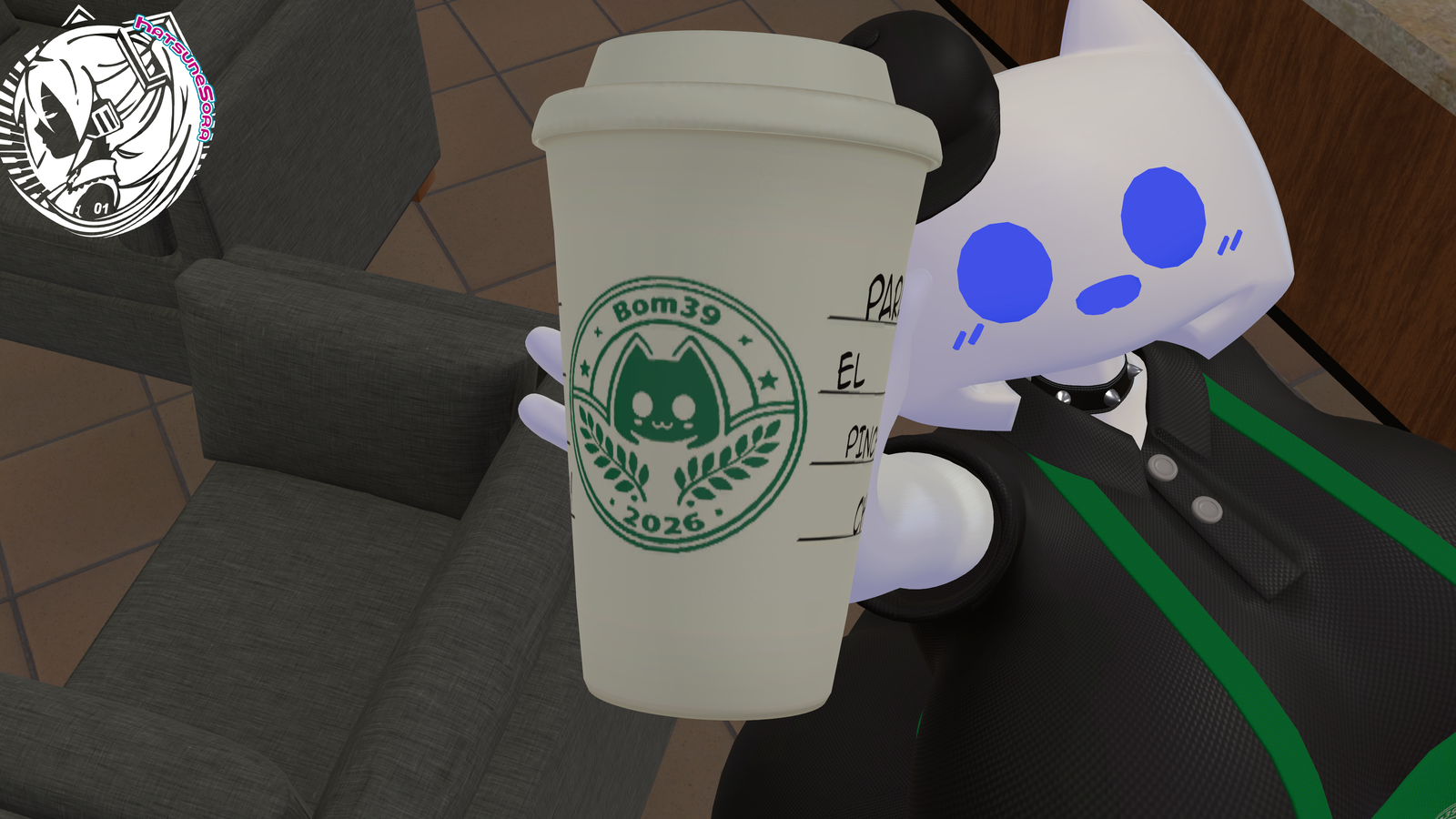
- New addition of a Starbobas Cup that matches her outfit like the McDodo's suit do.
- New addition of a Briefcase with surprises inside.
- Implementation of Blendshape Mask to prevent clipping on clothing and improvements in weight paint in certain parts.
- MMD Blendshapes ready
- Gogo Loco Included.
- SPS System with shapekeys: Sockets Only.
- Various sounds to interact with and make fun with your friends.
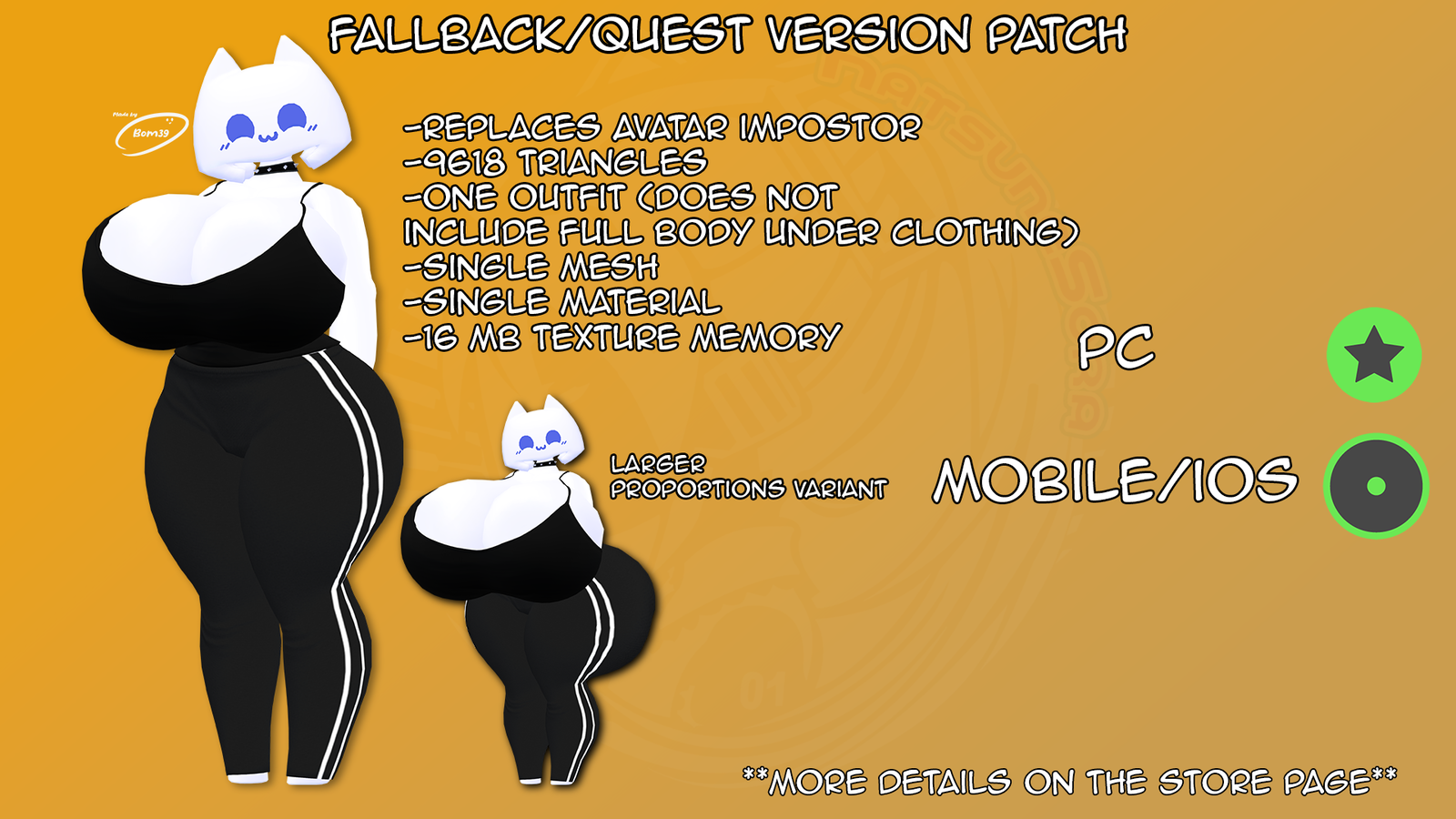
FALLBACK/QUEST PATCH CHANGES:
This version is primarily intended for use as a fallback, although it includes a prefab with basic configuration for use on Quest. If you want to learn more about fallbacks, visit this page: https://docs.vrchat.com/docs/avatar-fallback-system
This includes:
- An optimized version of the avatar with 9618 tris with rank GOOD for Quest/IOS and EXCELENT for PC
- A single outfit consisting of a tank top and leggings (Does not include full body under clothing)
- A single mesh
- A single material
- 16 MB of Texture Memory
- 2 Physbones components for Butt and Chest
- 2 Prefab for Fallback, one with original proportions of the original body and other with Big Proportions of Body
- 1 Prefab for Quest, with the option to modify the proportions of the Discord Chan body and SFW and NSFW texture (@re-olae visible).
All this is with the intention that certain users don't see you as a PS1 character or worse, because of the Impostor mode.
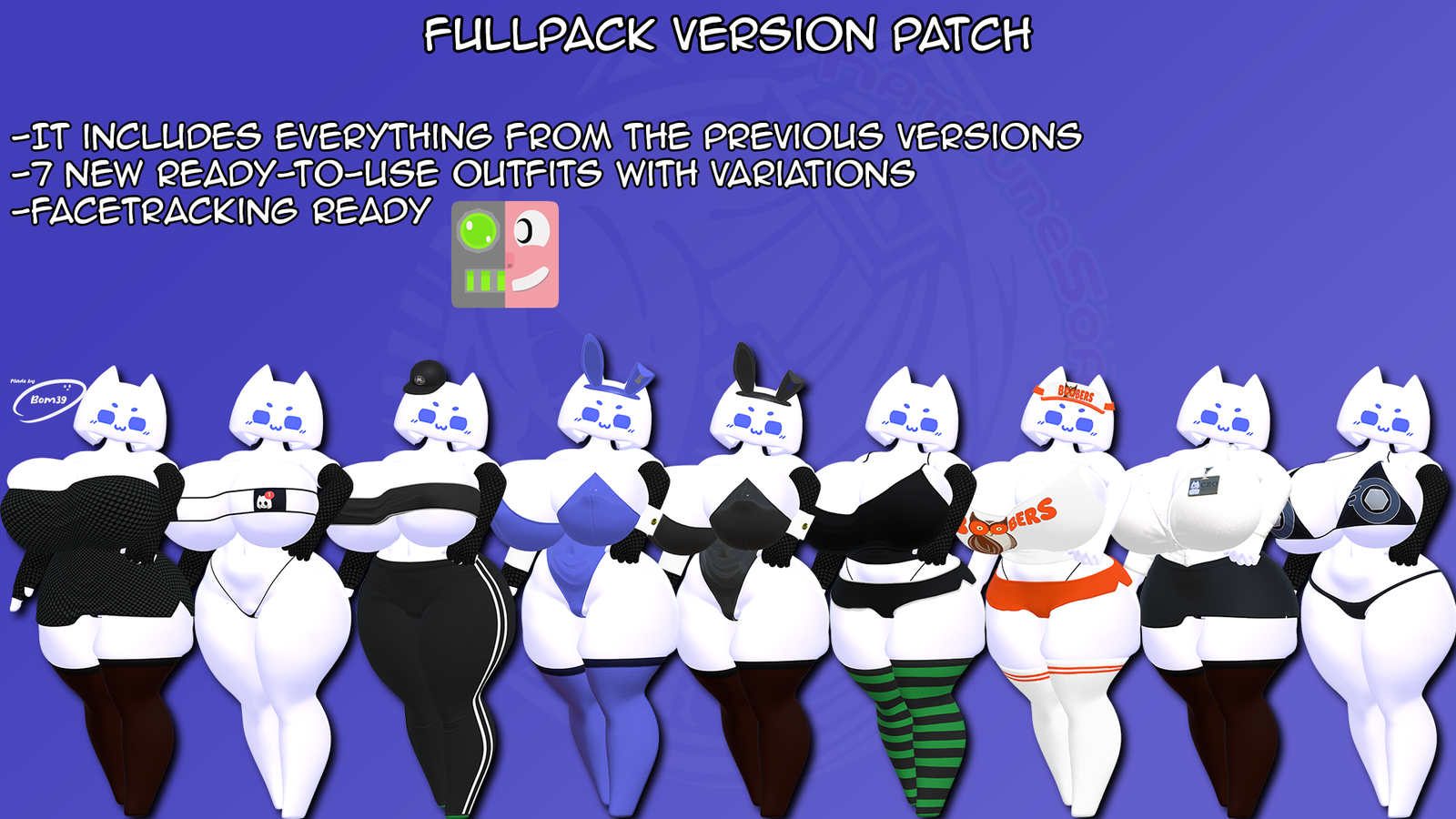
FULLPACK VERSION PATCH CHANGES:
- Everything mentioned above in the other versions.
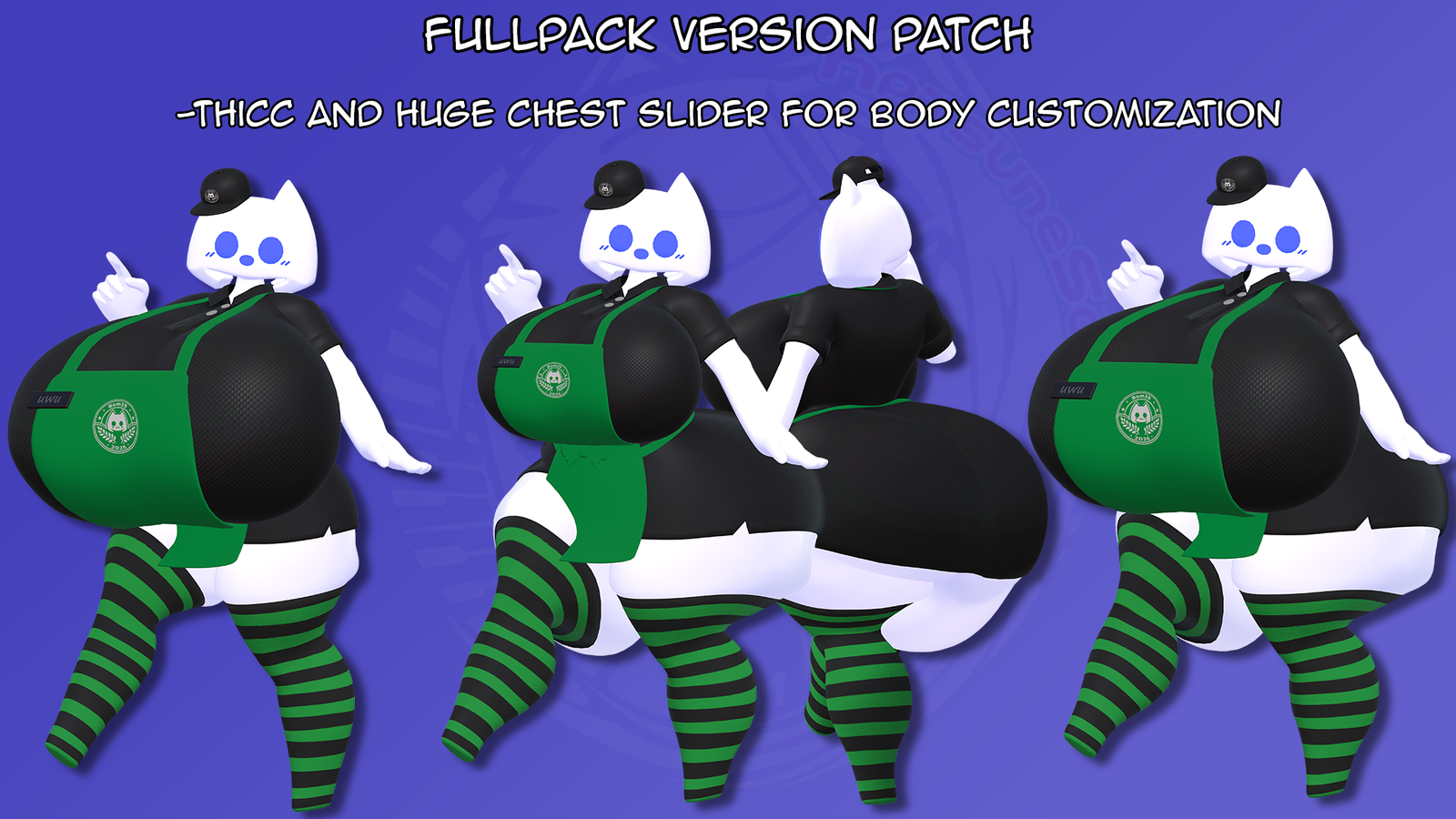
- Thicc Slider
- Huge Chest Slider.
- FaceTracking ready: Unified Expression Blendshapes.
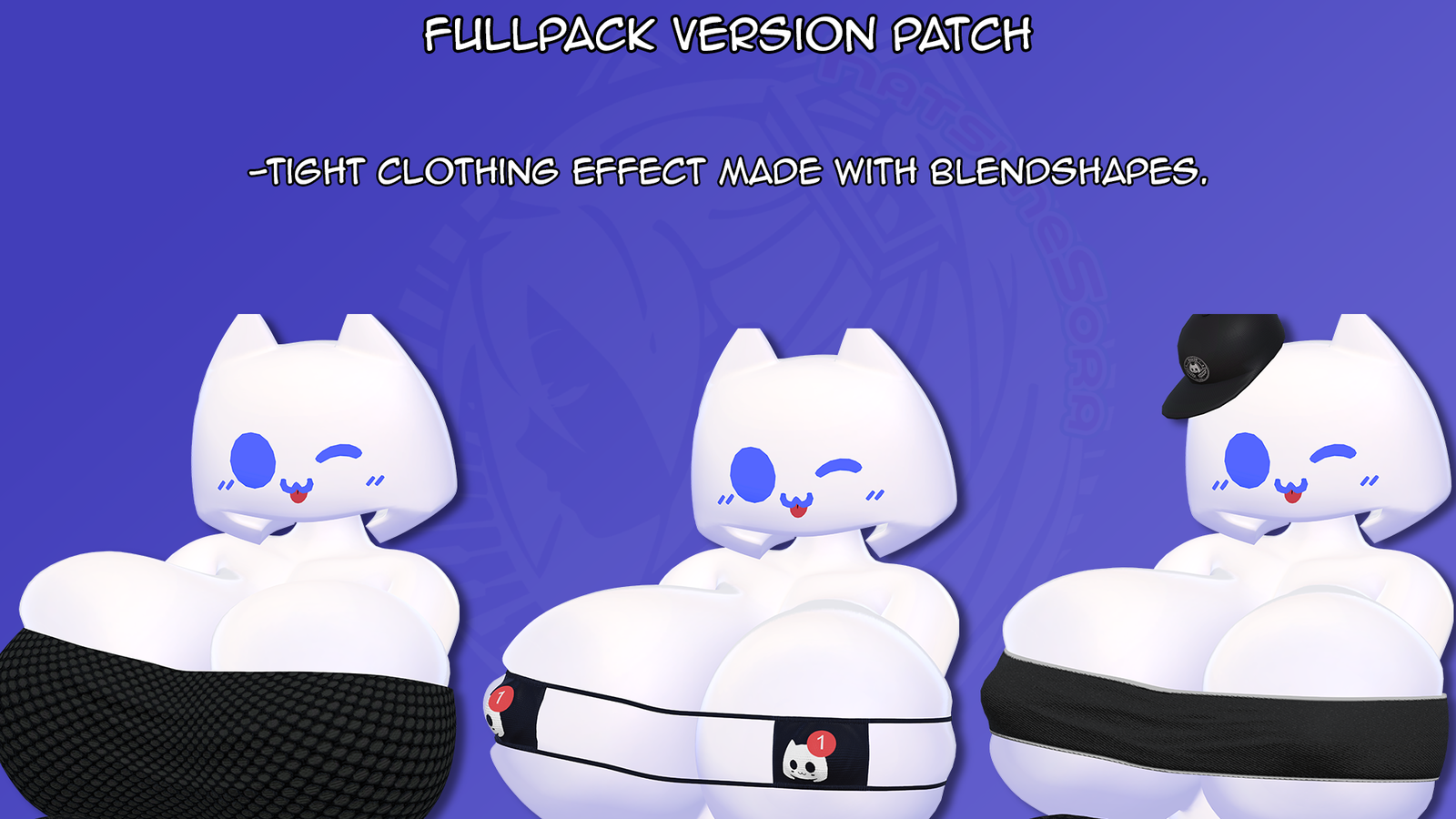
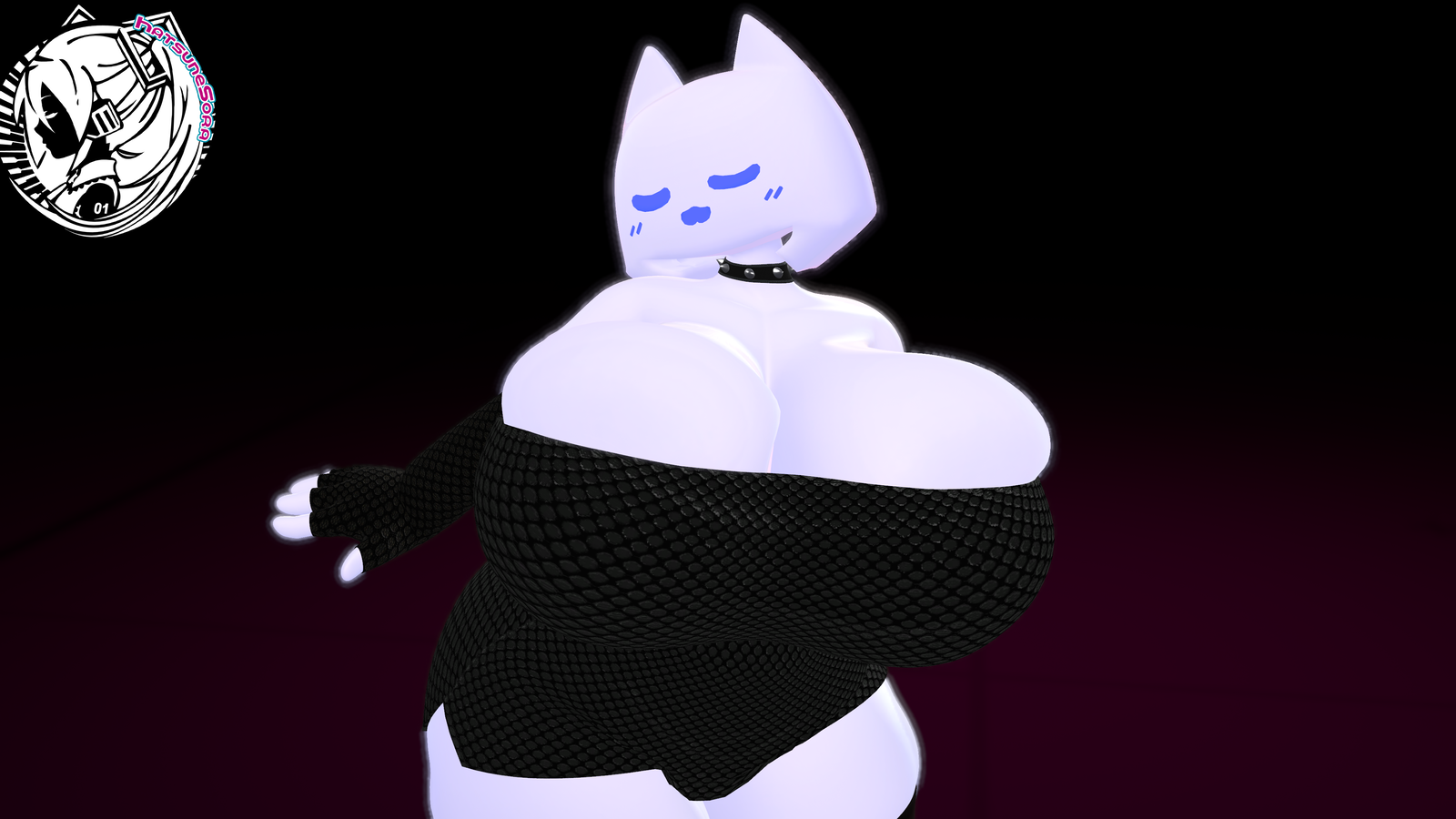
- Tight Clothing effect Made with Blendshapes.
- 7 New ready-to-use outfits with variations:
- Dress Night
- Bikini Outfit with Gold Variant
- Eye-Patch Bikini with Gold Variant
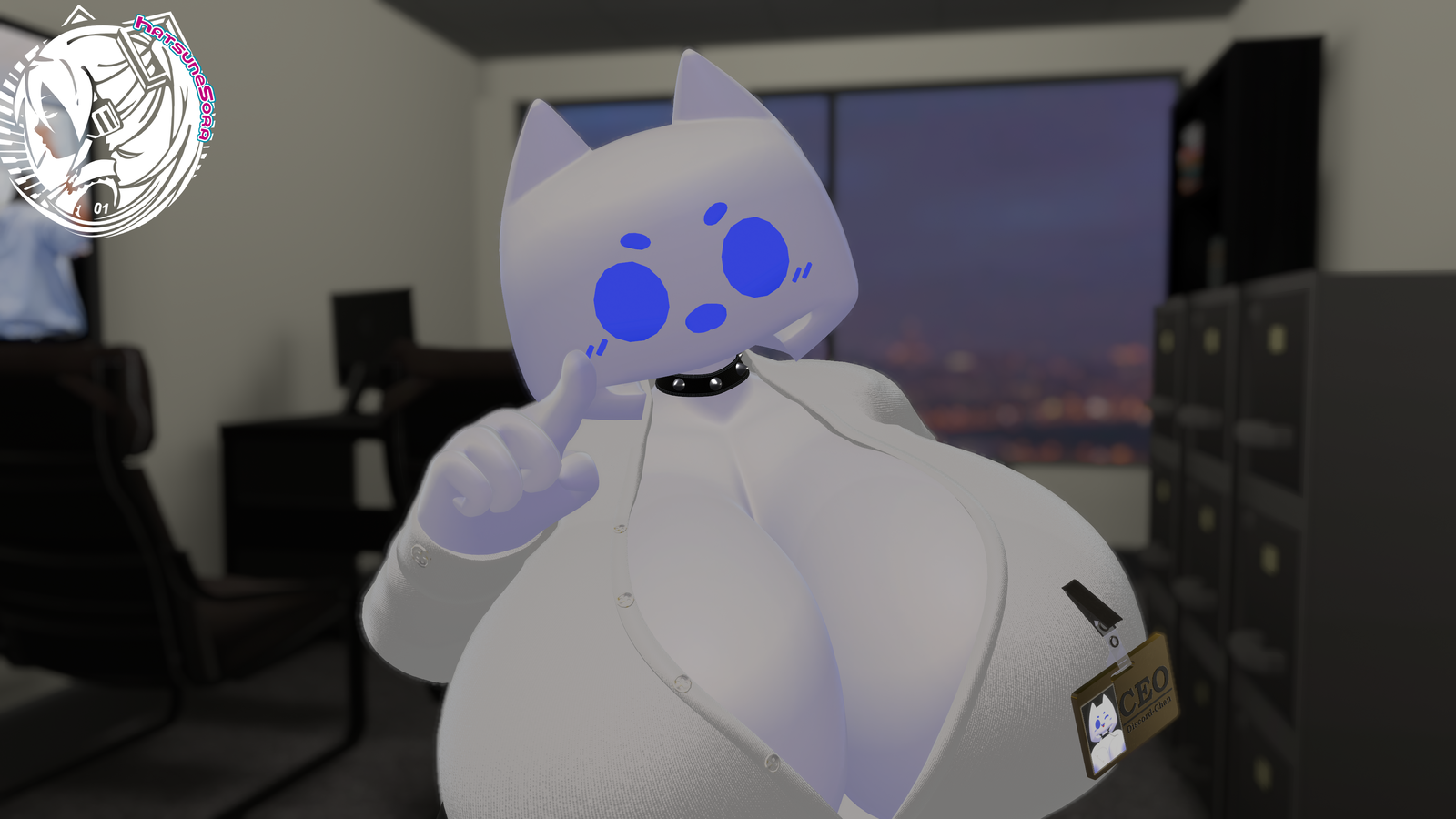
- CEO/Formal Suit with IDTag
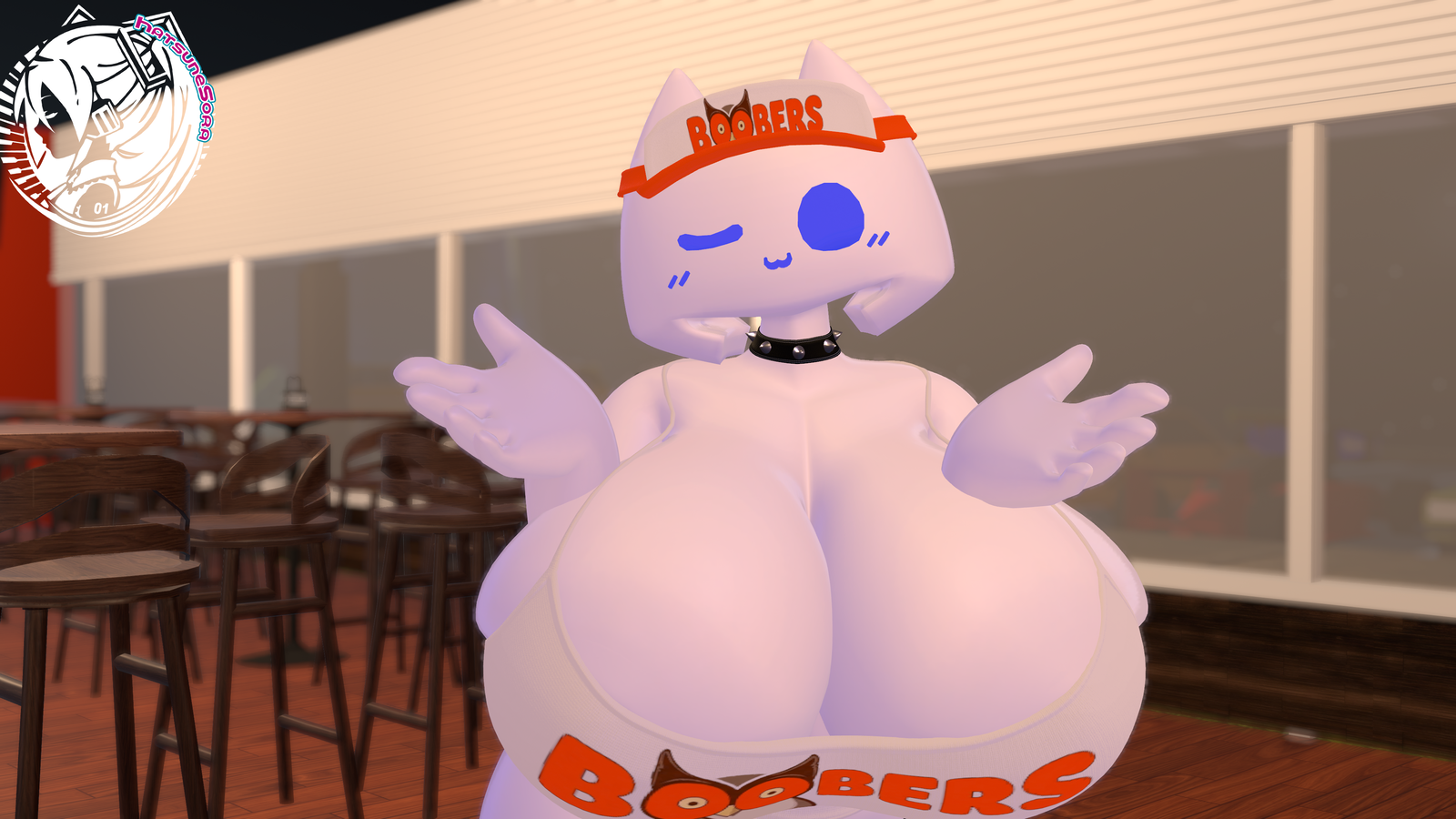
- Hooters Uniform with Variant
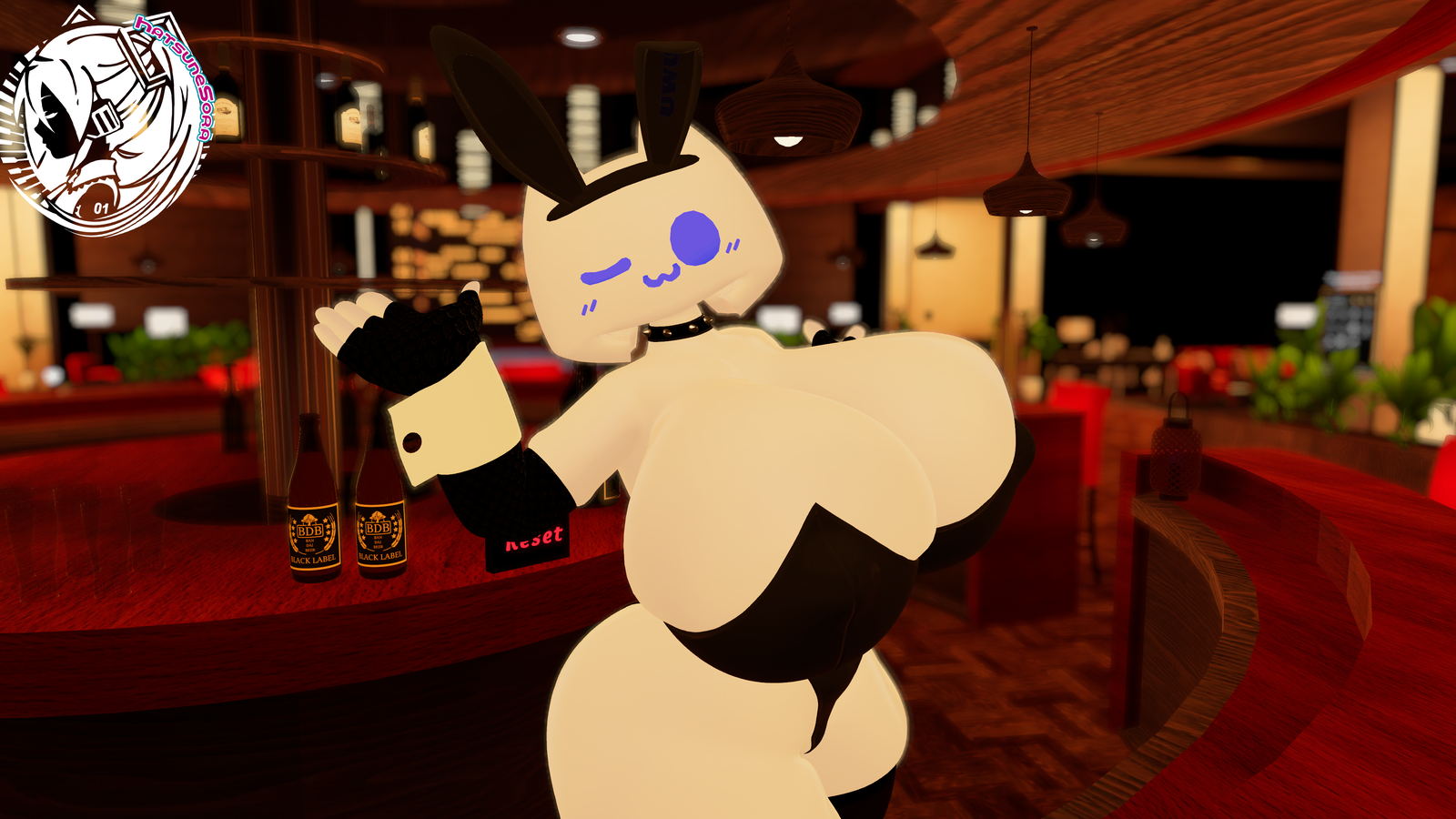
- Bunny Suit with Blue Variant
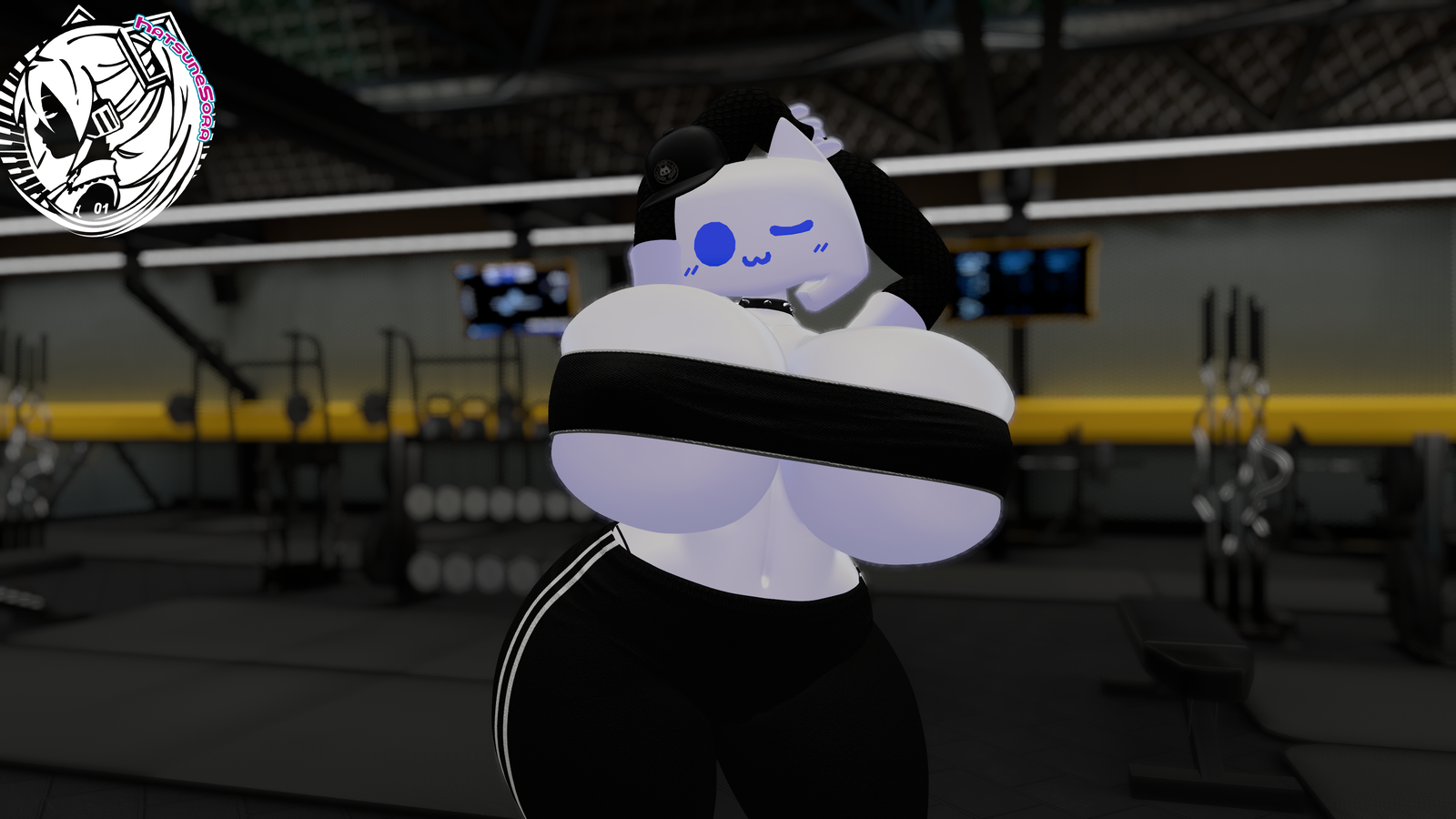
- SportSuit - Leggings and TubeTop
Requirements:
- Very important: Have purchased the Bom39 "Discord-Chan"
- Basic knowledge of Unity project creation and uploading avatars.
- For the fallback version, you need to have your Unity configured and ready so you can upload avatars on different platforms (Windows/Android/PC).
- VRChat SDK 3.10.0 or new
- VRCFury - https://vrcfury.com/download
- Modular Avatar - https://modular-avatar.nadena.dev/
- Poyomi Toon 9.3.63 - https://github.com/poiyomi/PoiyomiToonShader/releases
- Wholesome© SPS Configurator - https://wholesomevr.github.io/SPS-Configurator/
- VRCFT - Jerry's Templates - https://adjerry91.github.io/VRCFaceTracking-Templates/
How to use:
BASE VERSION:
- You need to have this specific version of the package: Bom39_DCChan_v2.unitypackage and import into your project.
- Once you have the original package, import my package "Bom39 DC - HS Base Patch.unitypackage" into your project.
- Go at the top of your unity window and go to Tools/HS Edit Base Patch/Bom39_DcChan Patcher and click PATCH
- Open the Bom39_DcChan folder and open the "OPENME" scene.
- Once that is done, drag and drop the prefab located at Assets/Bom39_DcChan HS/Bom39_DiscordChan_BaseHS Edit in to the scene.
- Upload into your Account of VRChat and it's done.
FALLBACK/QUEST - VERSION:
**Recommended to do this in a new project**
- You need to have this specific version of the package: Bom39_DCChan_v2.unitypackage and import into your project.
- Once you have the original package, import my package "Discord_Chan Quest-Fallback Patch.unitypackage" into your project.
- Go at the top of your unity window and go to Tools/HS Edit Patcher/Bom39_DcChan Patcher and click PATCH
- Open the Bom39_DcChan folder and open the "OPENME" scene.
- Once that is done, drag and drop the prefab located at Assets/Discord Chan HS Edit/Prefab/Bom39_DiscordChan_Quest or the version you want in to the scene.
- Upload into your Account of VRChat and it's done.
FULLPACK VERSION:
***IMPORTANT: IF YOU HAVE THIS VERSION YOU DO NOT NEED TO INSTALL THE BASE VERSION AS IT INCLUDES EVERYTHING FROM THE BASE VERSION AND MORE.***
- You need to have this specific version of the package: Bom39_DCChan_v2.unitypackage and import into your project.
- Once you have the original package, import my package "Bom39 DC - HS FullPack Patch.unitypackage" into your project.
- Go at the top of your unity window and go to Tools/HS Edit FullPack/Bom39_DcChan Patcher and click PATCH
- Open the Bom39_DcChan folder and open the "OPENME" scene.
- Once that is done, drag and drop the prefab located at Assets/Bom39_DcChan HS/Bom39_DiscordChan_HS Edit_FullPack in to the scene.
- Upload into your Account of VRChat and it's done.
RULES/Terms of Service
I will refer to all the content offered in the sale of my publication as "Asset".
What you can do:
-You can edit its content (colors, texture, weightpaint) for your own use on Discord Chan Avatar
-Make edits of this asset.
-Make any texture edits.
-Add accessories and other elements to the Asset.
-Use the asset to make RP, Videos or streams (If the platform allows it)."
What you CAN'T do and is not allowed:
-Share the downloaded asset anywhere on any site.
-Resell it
-Share Asset files on discord servers, any websites, or Privetly.
-Claim the asset as yours or take credit in making it.
-Upload it as public
Refund Policy
I cannot provide any refunds or chargeback since this is a digital product.
Upon purchasing you are accepting my RULES and this policy thus refunds will not be applicable.
All sales are final and if you have any issues with the content, please contact me first and I will do my best to provide help and support.
If you use the asset or make an edit for your own use, and share images,
videos, or posts using it, be sure to give corresponding credits, it's optional,
but it benefits both of us and I'd love to see what you've made.
Changelog:
V1
-Initial Release
If you have any questions, take a look at the tutorials and "READ ME FIRST"
it might help you; if not, you can message me on Discord.
Credits:
I want to thank Bom39 for this magnificent avatar, please go follow.
Franada for Gogoloco
Wholesome for SPS Configurator
Adjerry91 for Jerry's Templates
VRCFURY and Modular Avatar
Hash for Hash's Distribution Tools
Thanks to assetfactory for the Briefcase i only edit(blendshapes/textures/animations) to make it compatible with VRCHAT
My pages:
Twitter: https://x.com/HatsuneSoraVR
Discord: hatsunesora or HatsuneSora#8361
If you want to buy me a coffee: https://ko-fi.com/hatsunesora
Jinxxy: https://jinxxy.com/HatsuneSora