Product Description
Like the Asset? ☆☆☆☆☆
It would mean a lot to me, if you could leave a review.
It's the best way to help a creator grow.
Something not right?
Please don't hesitate to reach out, If you're not happy. ♡

[Virtual Reality optimized Asset - S.T.E.P Combat Boots]
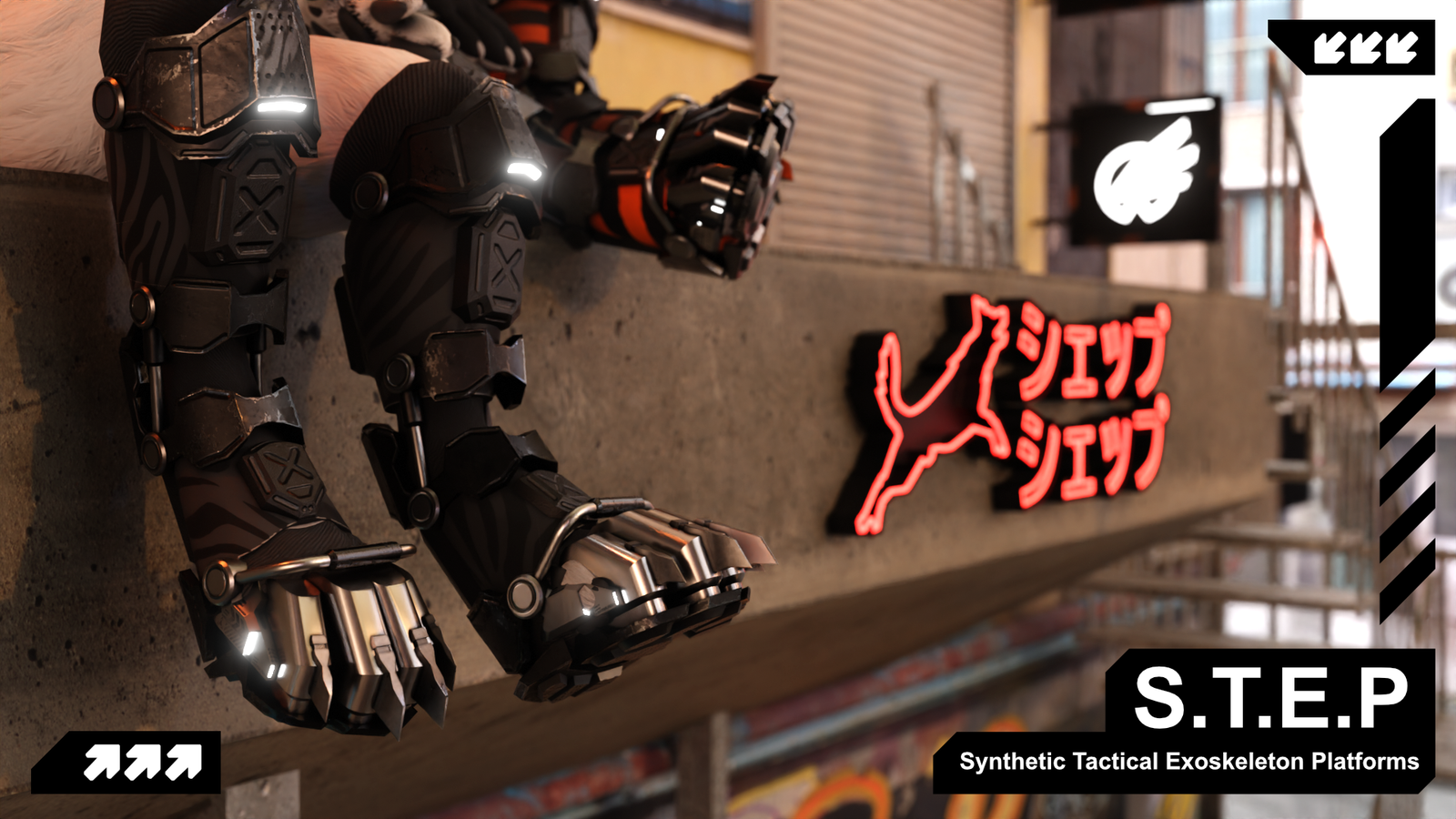
S.T.E.P - Synthetic Tactical Exoskeleton Platforms
[Available Avatars]
🅯 - Rexouium
🅯 - Canis Woof
🅯 - Novabeast
🅯 - Nardoragon
Every version has 4 toes!
VRCFury is required for BlendShape support.
⚠ For the Rex, make sure the toe dynamics are toggled off.
Also the toes in BlendShape needs brought up to 100
Please reach out to us if there is clipping or rig issues on the Rexouium.
⚠ The Nardoragon needs texture modification, otherwise the paw clips through the mesh.
Alpha masks for Substance Painter and Photoshop are included.
Tutorial how to add the cutout can be found here: https://youtu.be/USRxpXOVXoo
⚠ The boots where NOT made with a 3 bone digit-grade setup in mind!

[Whats included?]
▦ - FBX file⁽ˢ⁾
❒ - Unity package
⌬ - Substance Painter File⁽ˢ⁾ [v7.8 ⇧]
🖹 - License Document
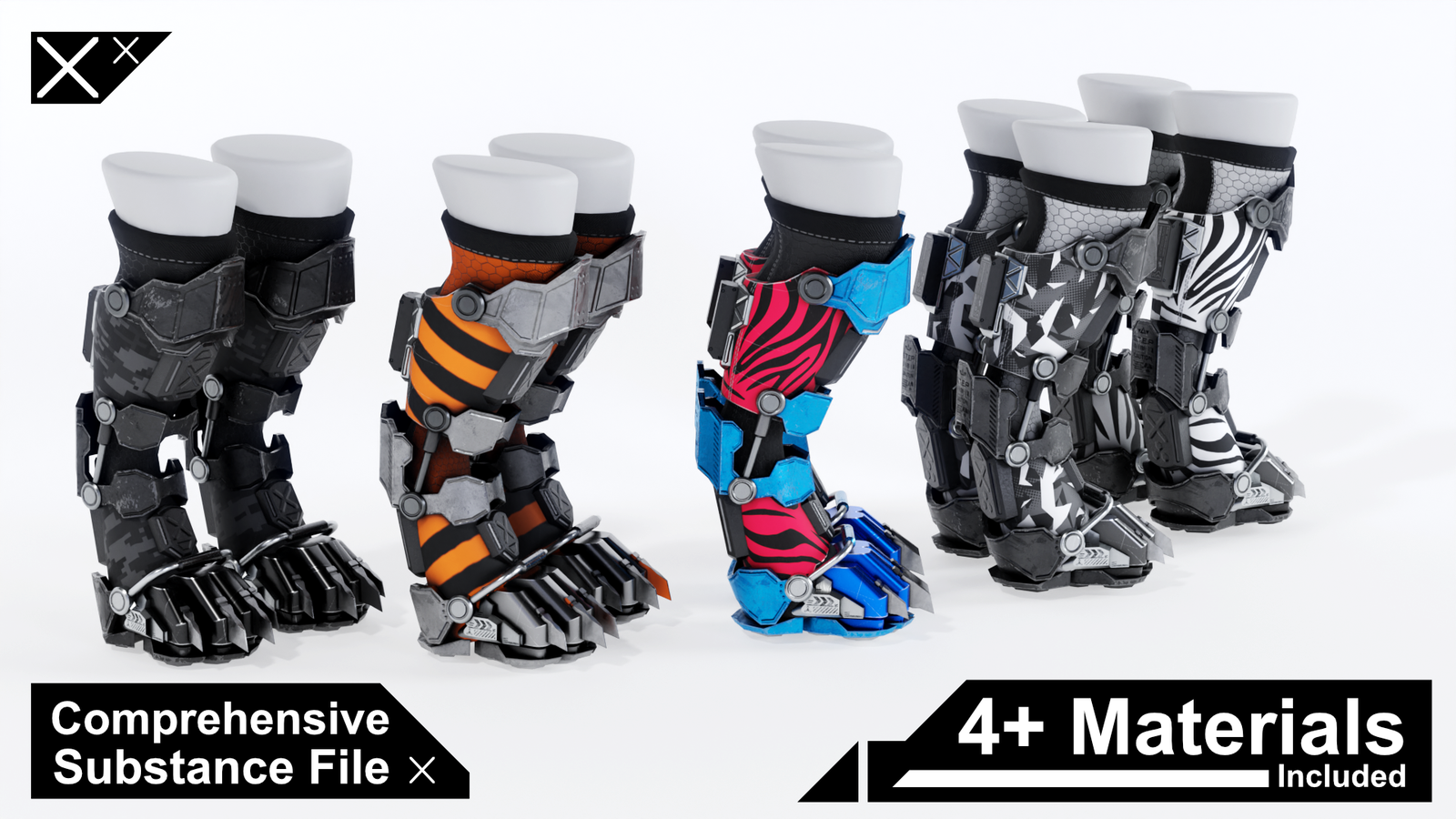
The boots come with 4 unique texture variants. (See pictures)
Plus 4 additional No AO versions for use with BlendShape hiding.
Texture versions inside of Unity for PBS and Poiyomi:
◐ - Dark Camo
◐ - Industrial
◐ - Zebra Stripes
◐ - Vector Camo

[Specs]
△ - Vertex Count ~13,200
⚯ - Bone Count 9
◩ - Texture Resolution — 2K
◐ - Texture Variants — 8 (4 + 4 No AO)
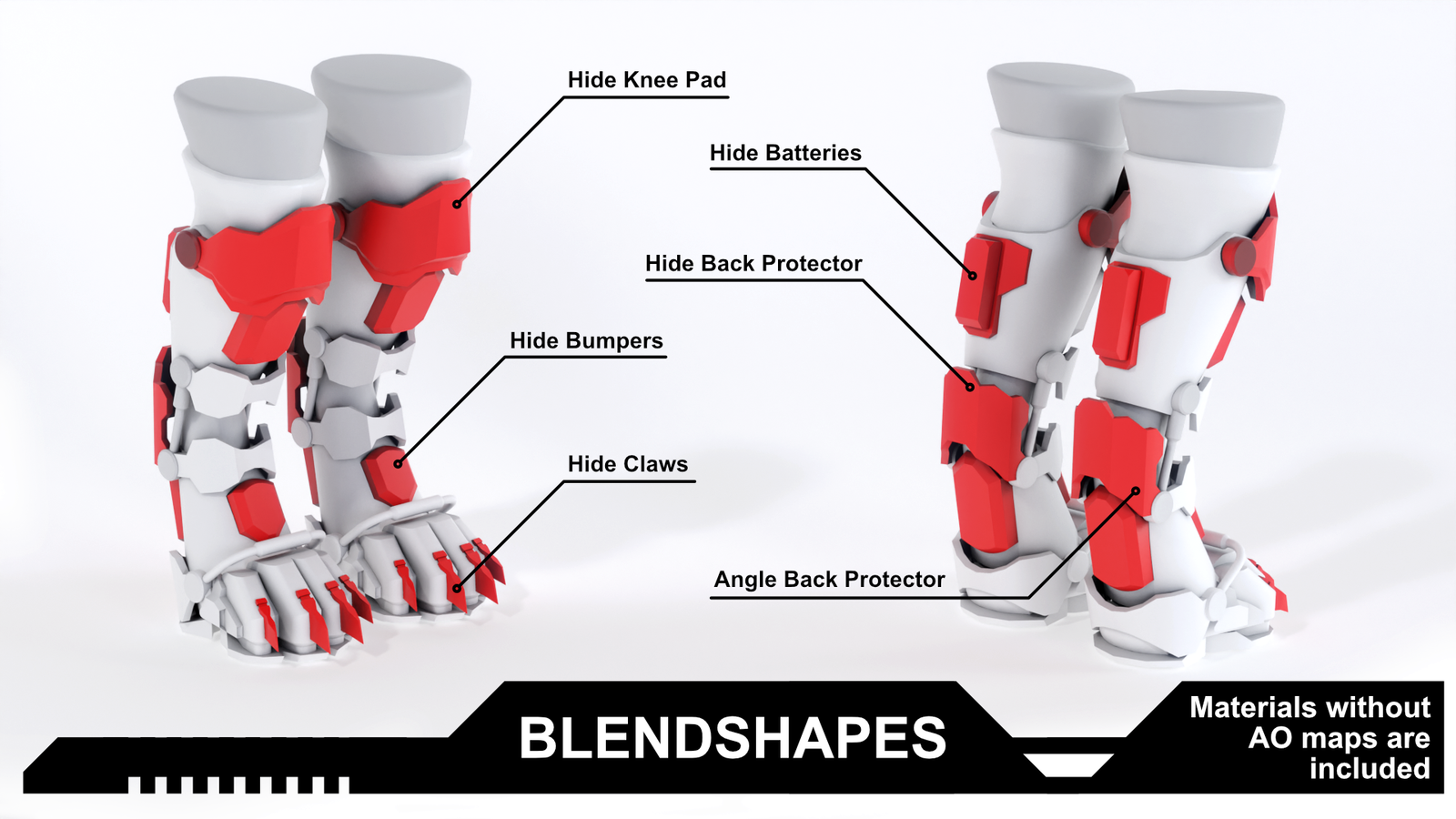
↦ - BlendShapes — All avatar deformations + 6 custom
ʜɪᴅᴇ ᴋɴᴇᴇ ᴘᴀᴅ · ʜɪᴅᴇ ʙᴀᴛᴛᴇʀɪᴇꜱ · ʜɪᴅᴇ ʙᴀᴄᴋ ᴘʀᴏᴛᴇᴄᴛᴏʀ · ʜɪᴅᴇ ʙᴜᴍᴘᴇʀꜱ · ʜɪᴅᴇ ᴄʟᴀᴡꜱ · ᴀɴɢʟᴇ ʙᴀᴄᴋ ᴘʀᴏᴛᴇᴄᴛᴏʀ

[How to setup?]
🛠 Install VRCFury via the Creator Companions repository.
🛠 Just click the VRCFury Button below for a guide.
- Open Creator Companion — Add the latest version to your project
- Import the S.T.E.P Boots Unity package into your project
- Drag the prefab onto your avatar root and re-parent if needed
- Pick a material from the materials folder and drag it onto the model
Use the No AO versions if you have any Hide BlendShapes active - Avatar-specific adjustments:
Rexouium: Set "Toe In" BlendShape to 100 if needed
Canis Woof: Scale down the right and left toe bones to prevent clipping
Novabeast: Scale individual toes down as needed to prevent clipping
Nardoragon: Texture cutouts required — alpha masks provided. See tutorial video - Adjust BlendShapes to taste. Can be found on the mesh itself.

[Support]
Please reach out if you experience any kind of Setup issues or clipping.
We want to continuously improve the products for everyone.
Also always happy to help!

[Licensing]
🖹 - Personal License PDF included with purchase.
✓ - Personal use — avatars, renders, prints, worlds
✓ - Modify freely — retexture, rerig, resize, combine
✓ - Commission work — client must hold the same license
✓ - Perpetual — does not expire
╳ - No resale or redistribution
╳ - No sharing as a kit, bundle, or stock
╳ - No commercial or on-demand use
╳ - Non-transferable
Content creator? Collabs welcome — Discord or [email protected]
Commercial use requires a separate inquiry.
[Disclaimer]
⚠ - Pictures might differ from the Product.