Product Description
Like the Asset? ☆☆☆☆☆
It would mean a lot to me, if you could leave a review.
It's the best way to help a creator grow.
Something not right?
Please don't hesitate to reach out, If you're not happy. ♡

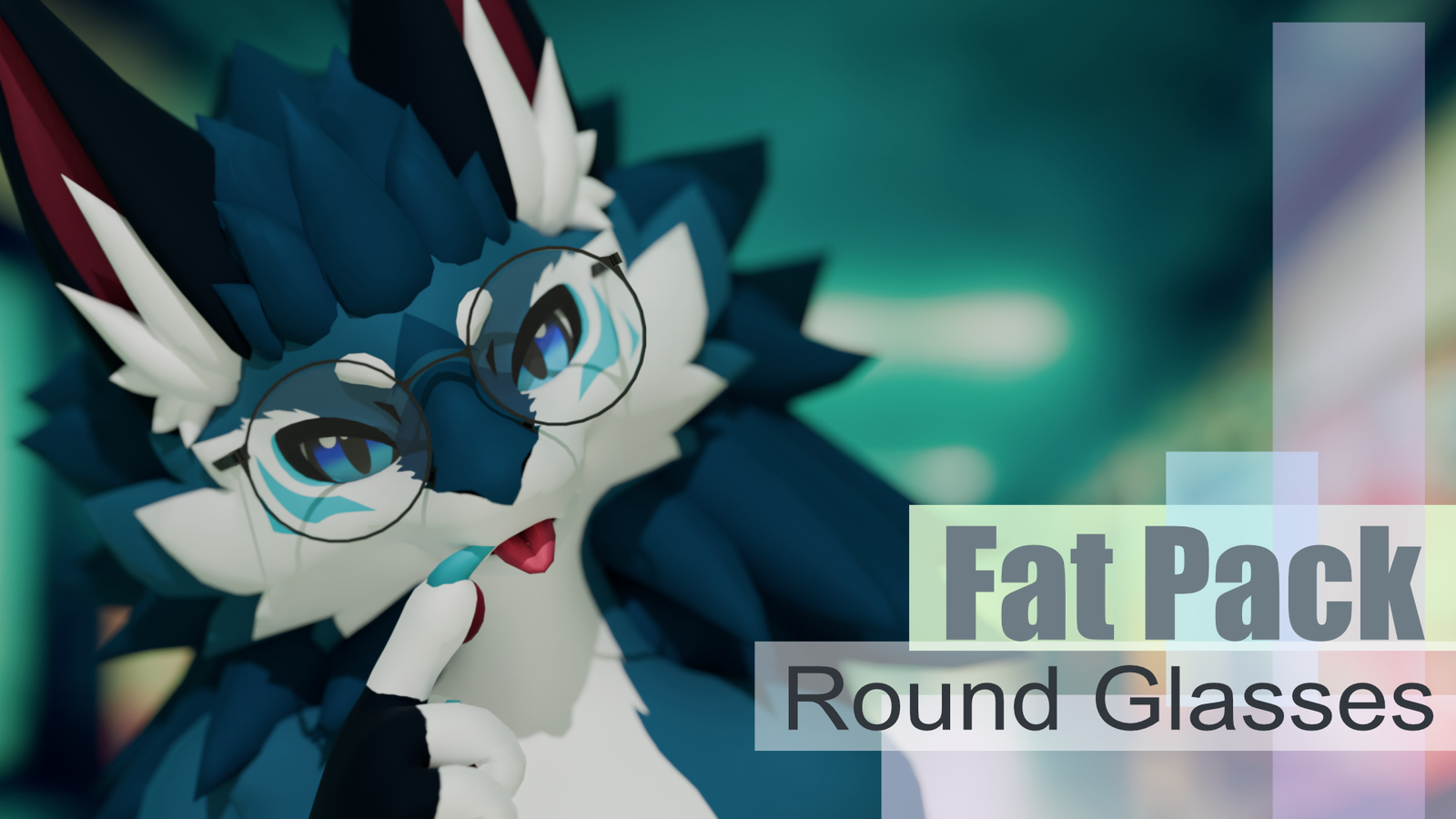
[Virtual Reality optimized Asset - Round Glasses]
[Compatible Avatars]
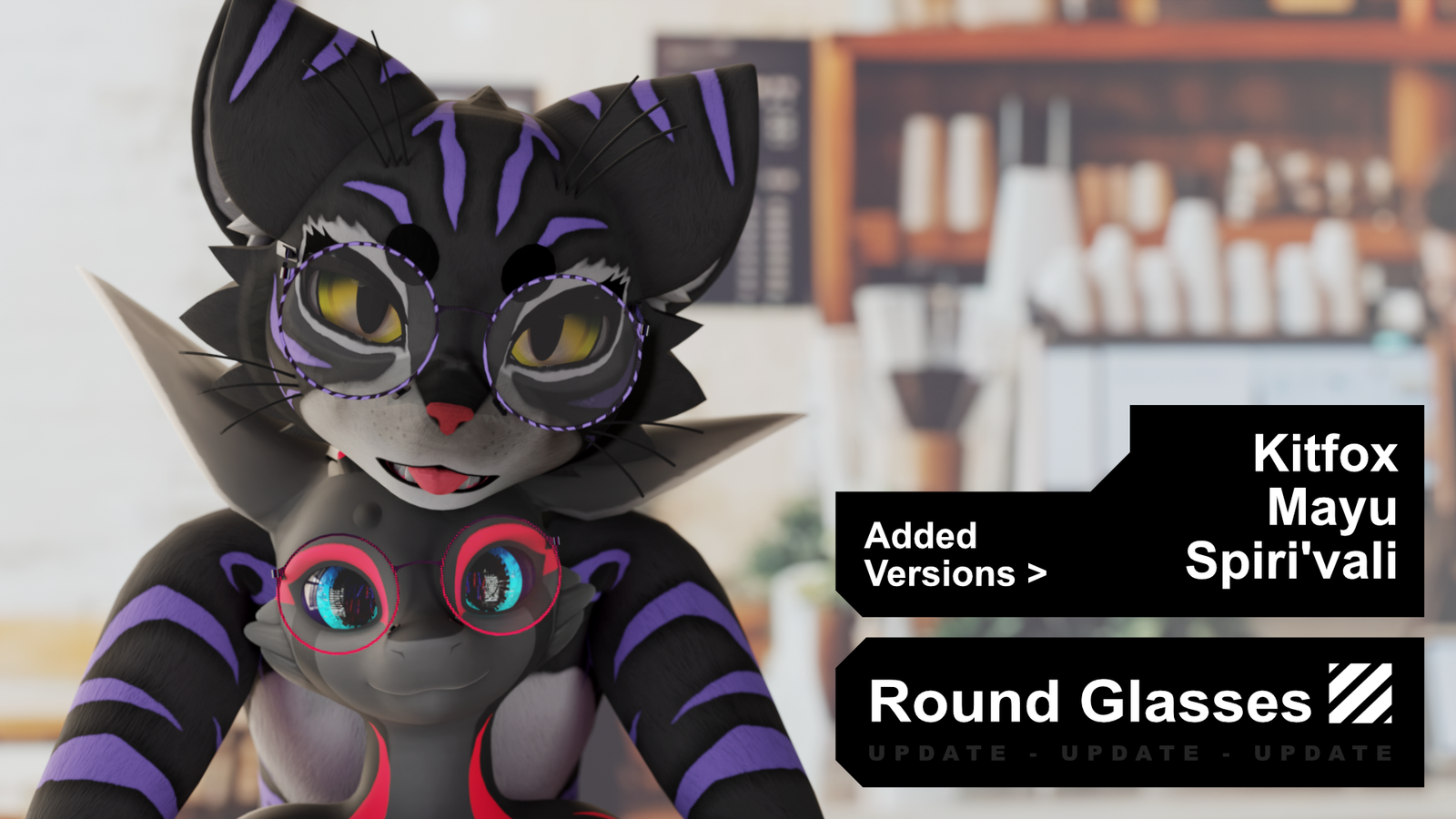
🅯 - Spiri'vali
🅯 - Kitfox
🅯 - Mayu
🅯 - Freakhound
🅯 - Deuzear
🅯 - Novabeast
🅯 - Archer
🅯 - Azalea
🅯 - Rexouium
🅯 - Canis Woof
🅯 - Hyenid
🅯 - Nardoragon
🅯 - Wickerbeast
🅯 - New Winterpaw Canine
🅯 - Jerry Avali
🅯 - Kita'vali
🅯 - Da'vali
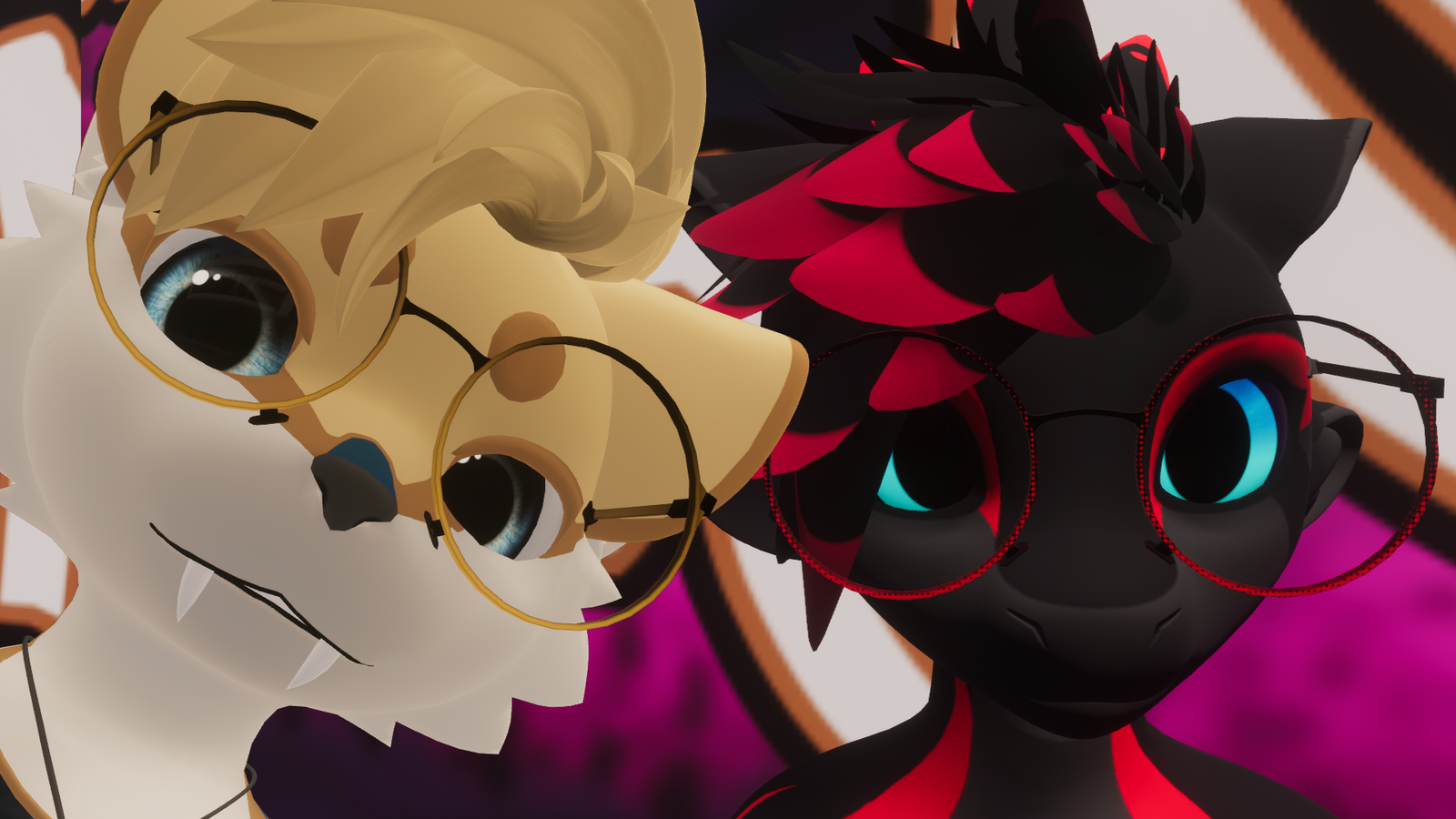
Separate prefab variant per Avatar — Enable the one you need~
Modeled for Default face shapes.
VRCFury is recommended for Armature Link setup.
Active avatar BlendShapes or Visemes may cause clipping.
Rexouium may need adjusting depending on your avatar version.

[Whats included?]
▦ - Blender File⁽ˢ⁾
❒ - Unity Package
⌬ - Substance Painter File⁽ˢ⁾
🖌 - Photoshop File⁽ˢ⁾
🖹 - License Document
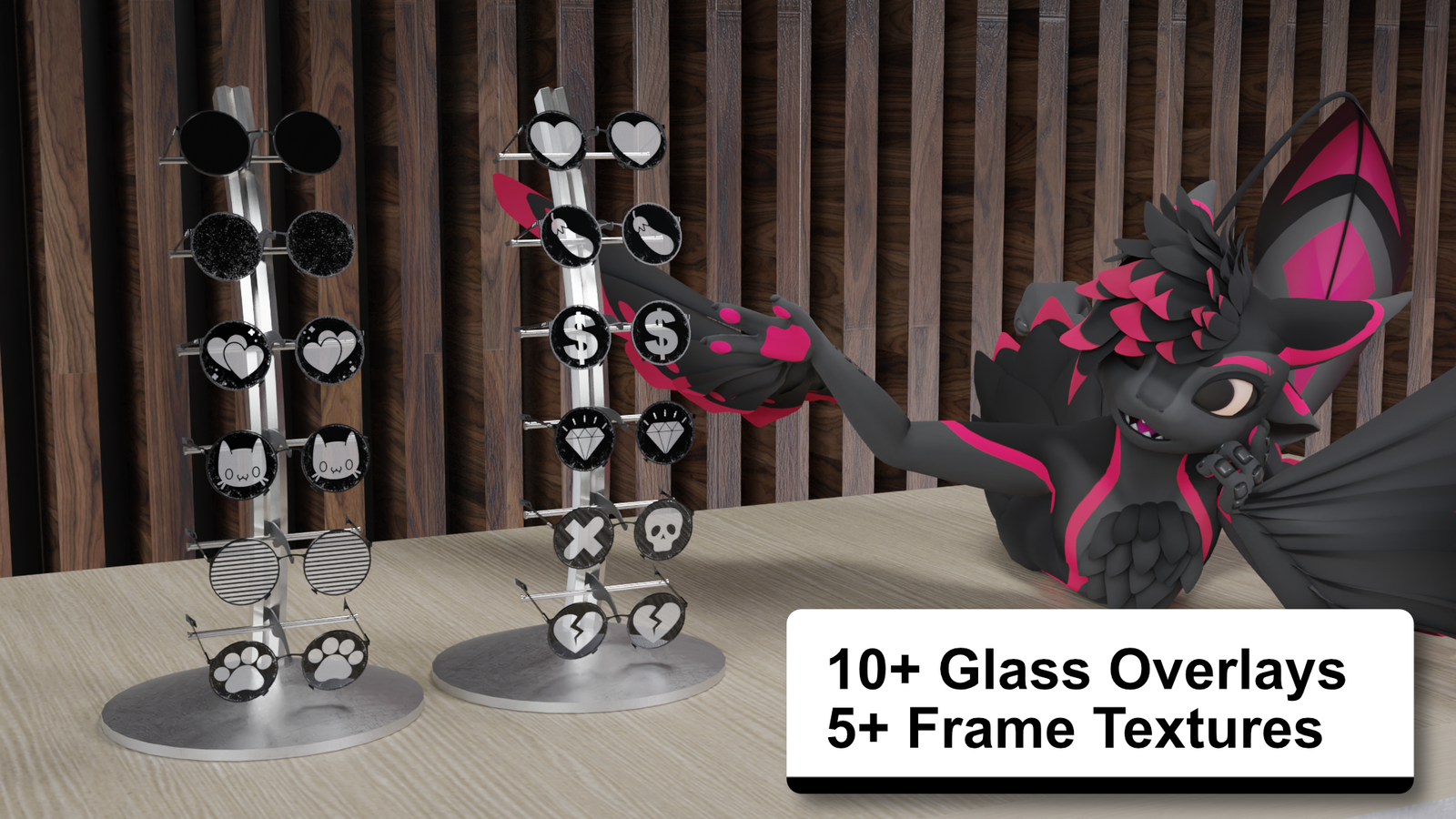
7 frame texture variants included.
Glass overlay options — see product images.
Substance and PSD source files let you recolor and customize the look.
◐ - Black
◐ - White
◐ - Gradient
◐ - Dot Gradient
◐ - Zebra
◐ - Checker Pattern
◐ - Glitter / Sparkle

[Specs]
△ - Vertex Count 1,200
◩ - Texture Resolution — 512
◐ - Materials — 2
↦ - BlendShapes
ꜰᴏʟᴅᴇᴅ ᴜᴘ · ꜰʀᴀᴍᴇ ᴛʜɪᴄᴋɴᴇꜱꜱ · ꜱɪɴɢʟᴇ ꜱɪᴅᴇᴅ

[How to setup?]
🛠 Install VRCFury via the Creator Companions repository.
🛠 Just click the VRCFury Button below for a guide.
- Import the Round Glasses Unity package into your project
- Drag the scene into your hierarchy — or use a prefab from the prefab folder
- Enable the prefab variant for your avatar
- Re-parent the glasses under your avatar root
- Add a VRCFury Armature Link component on the glasses
Drag the glasses object itself into Link From (Prop / Clothing)
Select Head from the Link To (Avatar) dropdown - Pick your favorite frame texture from the materials folder and drag it onto the model
- Tweak the BlendShapes to taste — Folded Up, Frame Thickness, Single Sided, and more
-
Deprecated: Parent the glasses to your avatar's Head bone — at X/Y/Z 0 they should sit correctly
Avatar Name > Armature > Hips > Spine > Chest > Neck > Head
If the glasses don't fit, match the scale to your avatar or reach out on Discord.
No Photoshop? Open the PSD in Photopea — hide or show layers and pick the designs you want.

[Support]
Please reach out if you experience any kind of Setup issues or clipping.
We want to continuously improve the products for everyone.
Also always happy to help!

[Licensing]
🖹 - Personal License PDF included with purchase.
✓ - Personal use — avatars, renders, prints, worlds
✓ - Modify freely — retexture, rerig, resize, combine
✓ - Commission work — client must hold the same license
✓ - Perpetual — does not expire
╳ - No resale or redistribution
╳ - No sharing as a kit, bundle, or stock
╳ - No commercial or on-demand use
╳ - Non-transferable
Content creator? Collabs welcome — Discord or [email protected]
Commercial use requires a separate inquiry.
[Disclaimer]
⚠ - Pictures might differ from the Product.